Edit Account
Customer edit page contains settings tabs,
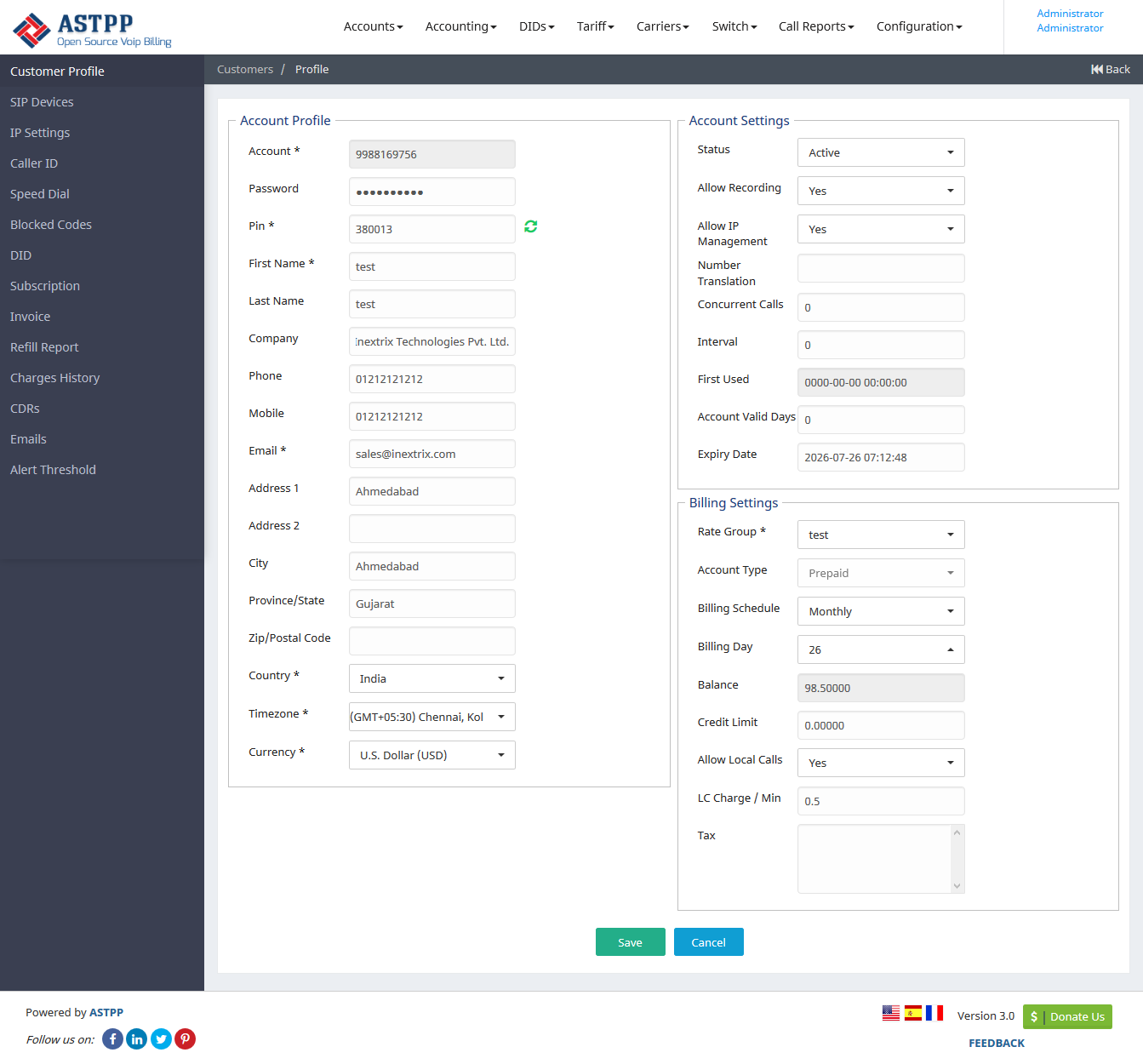
Here is left side menu information,
| Customer Profile | To edit customer’s personal details. |
| SIP Devices | Create/update SIP Devices. |
| IP Settings | Configure IP to allow calls from defined IPs. |
| Caller ID | Set caller id for pinless authentication. |
| Speed Dial | Set your favourite number as speed dial from here. |
| Block Codes | Configure blocked prefixes for account. |
| DID | Assign DID To account. |
| Subscription | Assign subscription charges to account. |
| Invoices | Shows list of invoices generated for this account. |
| Refill Report | Show all refill histrory of specific account. |
| Charges History | It shows all charges which apply to specific customer. |
| CDRS | Customer accounts CDRs information. |
| Emails | Here you can check email history of accounts. |
| Alert Threshold | Here we can set low balance email notification. |
Related pages